LIM tutors add a homework assignment to each lesson.
To see your homework assignment, go to the Lessons page of your profile. When you get to the Lessons page, you will see an orange icon of a paper and pen either over the Confirmed or Completed tab. This indicates that a lesson in this section has a pending homework assignment that you need to complete.

Scroll down to find the lesson with the orange icon and text Pending Homework Assignment.
After clicking on the lesson, it will expand and you will see the homework assignment and due date written on the left under the header Homework. If a specific file has been assigned, you will also see it below the written directions.
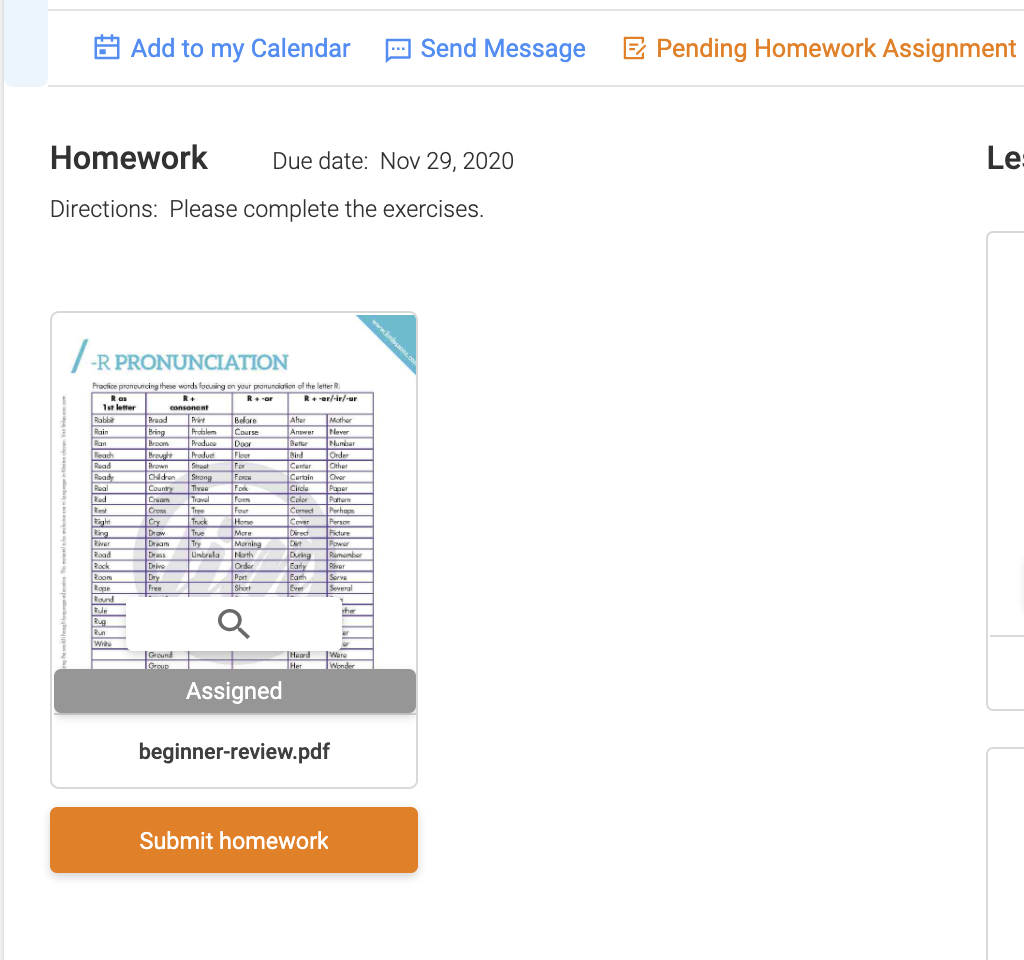
Once you have completed the assignment, click the orange Submit homework button to send your completed homework to your tutor.
Your submitted homework will go directly to your tutor so that they can grade it and send it back to you. Once they have, you will see your graded homework file, score and feedback.
Comments
0 comments
Please sign in to leave a comment.